Snapchat 101: Never Lose a Snapstreak with These 3 Tips & Tricks
One of the most popular things to do on Snapchat is to earn a Snapstreak. This occurs when you and one other friend have sent snaps (not chatted) to each other within 24 hours for at least three consecutive days. One you've passed the three-day mark, then you and your friend will receive a fire emoji next to your names.If you've been on a streak with your friend for 10 days, then you'll see the fire emoji as well as the number 10 next to it. The number next to the fire emoji signifies how many days you've been on a Snapstreak. Keeping up a Snapstreak not only relies on you but also your friend. If you snap your friend and within 24 hours that friend doesn't snap you back, well, then you've lost your streak.You'll know your Snapstreak is about to end when you see an hourglass emoji next to the friend's name you are on the streak with. This means you have four hours left to send or receive a snap from that particular friend before your ongoing streak with them expires. If your streak expires, you won't see the fire emoji or its number next to either of your names anymore and you'll have to start your streak all over again.Don't Miss: How to Create & Use Your Own Personal Bitmoji for SnapchatIn order to ensure your streak lives on with your friend for as long as possible, here are our top three tips to never lose out on a Snapstreak again.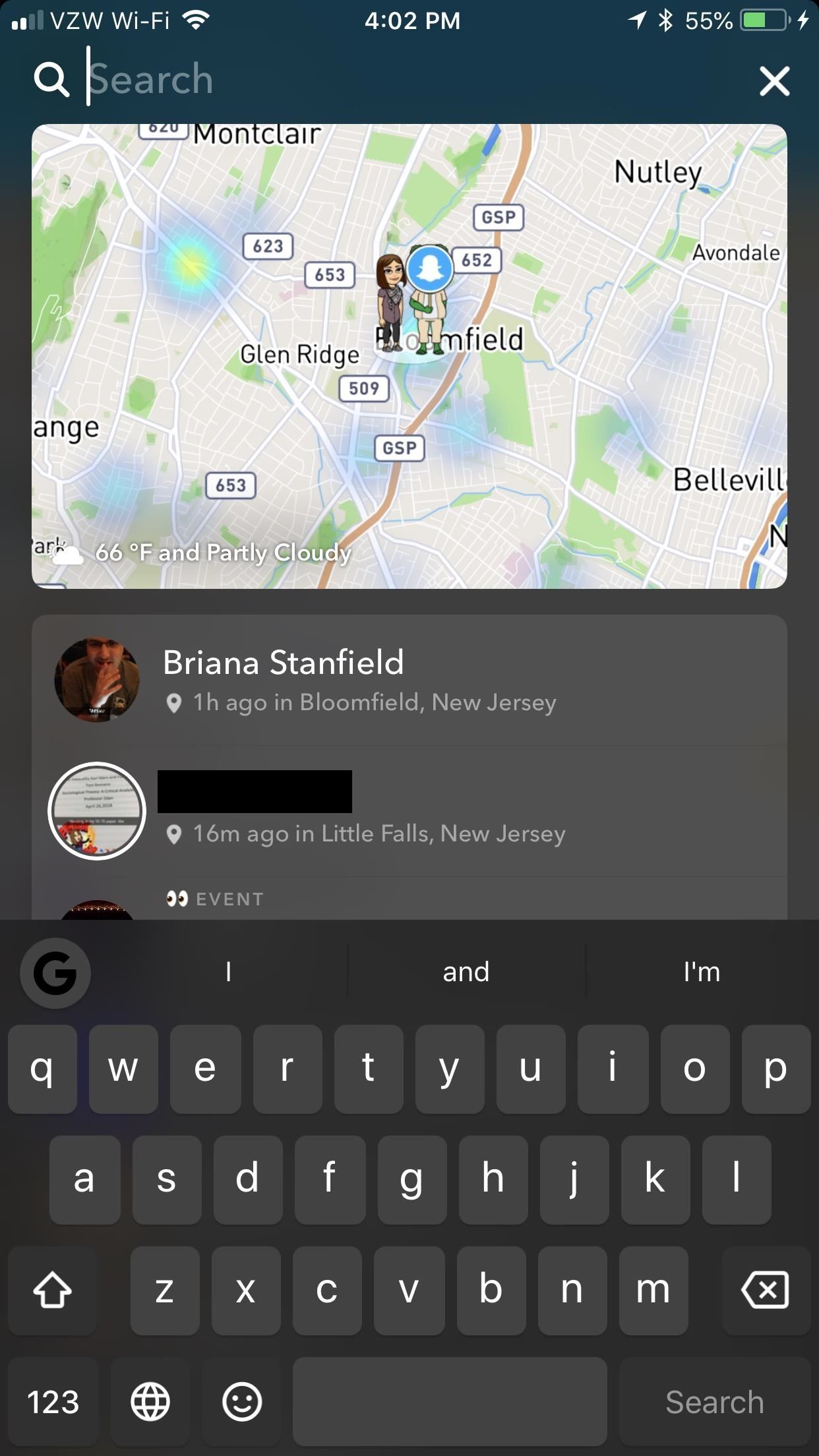
Method 1: Edit All Your Friends' NamesSnapchat already has a feature called "Best Friends" that automatically puts your most frequented contacts at the top of your My Friends or Send To list. Additionally, Recents covers many of your friends that aren't your "best friends."If you are running multiple streaks, though, not all your best friends and recents will be running streaks with you, so you would need to differentiate between your best friends and your streak friends. Otherwise, you might be searching through your best friends and recents to find all your streaks. The best friends list also fluctuates with use, so you never know when a new person may appear at the top.Sometimes, when you have ongoing streaks with multiple friends on Snapchat, it's also hard to remember all those people you need to maintain streaks with. So, a good way to make sure that you are always on top of your streaks is to make sure all your streaks are at the top of your Friends list.To do this, you have to edit your friends' names. Swipe right from the main screen to access all your groups and contacts. Search for all the friends you want to keep up your Snapstreaks with by hitting the search icon in the top left.Tap on the friend's name, and you'll begin a chat with them. Hit the hamburger menu in the top-left corner and tap "Edit Name." Make sure the beginning of their name starts with "Aaa," then tap "Save."Now, whenever you are sending a snap, all friends listed with the tag "Aaa" will appear at the top of your Friends list. Tap and check all of them to maintain your streaks with them before sending your snap. This will organize all your current streaks, as well as set you up to never miss a Snapstreak with someone ever again. Don't Miss: How to Turn On Ghost Mode for Snap Map to Keep Your Location Private
Method 2: Set a Reminder & Wake Up & Snap!One of the easiest ways to keep up a Snapstreak is to send a "Good morning" snap. I recommend setting a reminder or alarm on your phone to notify you to do this as soon as you wake up — particularly if it's with someone you are close to. This way, you don't have to worry about remembering to keep up your streak later on in the day.Send a cheerful greeting, motivational quote, or a personalized message directly to your friend. Basically, send a message to your friend that you feel would entice them to snap you back right away.This works because it's similar to saying good morning to a stranger, coworker, neighbor, or anyone else. If you say "Good morning" to someone, they'll want to respond with a "Good morning" back. (Hopefully. Hopefully you are not saying good morning to someone who would not respond back. That would definitely be a person you would not want to say good morning to. Or to go on a Snapstreak with.)Now, once you've sent your good morning snap and received one back, your Snapstreak lives on for another day! (1) My "Good morning" Snap to my friend that I am currently trying to build up a Snapstreak with. (2) His questionable "Good morning" Snap back. Don't Miss: Keep Snapchat from Draining Battery Life & Sucking Up Your Data on Android
Method 3: Report Your Streak as MissingLastly, if one or all of your Snapstreaks have gone away but you know you've sent a snap (not chat) back and forth within the 24-hour window, then you can report it to Snapchat Support and they'll rekindle your fire emoji with its number for you.To do this, go to Snapchat Support and tap on the bubble for "My Snapchat isn't working."From here, Support will respond with "Oh no! What isn't working?" Respond by tapping on the bubble for "Snapstreaks" from the list provided.Support will then go over all the guidelines and rules for maintaining a streak. If you still feel you've followed all of Snapchat's guidelines for Snapstreaks, then tap on "Yes" next to "Still need help?"Snap Support will ask you to fill out a form. You will need to provide details about your account, including your username and your friend's username as well. You will also need to specify how long your streak was and what happened.Once you are finished filling out the form, send it off. You should receive a response within 24 hours. If Snapchat restores your missing streak, then it will reappear on your account and your friend's account as well. Don't Miss: How to Unlock Hidden Filters & Lenses in SnapchatFollow Gadget Hacks on Facebook, Twitter, YouTube, and Flipboard Follow WonderHowTo on Facebook, Twitter, Pinterest, and Flipboard
Cover image and screenshots by Bettina Mangiaracina/Gadget Hacks
Here's a step-wise process of how you can reformat your Mac OS X without a recovery DVD for manual installation of OS X Yosemite 10.10, OS X Mavericks 10.9, OS X Mountain Lion 10.8 and so on. How to Reinstall / Reformat Mac OS X without Recovery Disk or DVD Drive Step 1: Create a backup of all your files
How to reformat your Mac without a recovery drive or disk
Thanks to smartphones, recording video has never been so easy or effortless. Everyone has a powerful video camera in their pocket: a smartphone. And with a little practice and access to a few key
OnePlus 5 Camera Tips: Twice the Lenses, Twice the Fun
Update: If you're running iOS 7 or higher, you'll want to check out the new way to fully close your background applications. With this new feature, some might be confused on how to actually shut down their running apps, instead of leaving them on in the background. If you're confused as to how to
Quitting All Your Apps in iOS Can Actually Worsen Battery Life
In this video, Mike Callahan shows us how to make our unlock pattern visible on an Android phone. First, unlock your phone and go to the home screen. Then, go to 'settings, location & security". After this, click the button that says "use visible pattern" so that the check mark and button are both
How to make your Android unlock pattern visible - YouTube
This iPhone is also known as sim free iPhone by Apple.The SIM-free iPhone comes without a wireless contract commitment or carrier financing. So please make sure to purchase unlocked i phone. Answered by Neeraj B from Presto
How To Unlock iPhone 7 (Plus) | IMEI Phone Unlock: Official
We've described easy ways to free up space on your iPhone or iPad but that may not be enough for those who store a lot of data on their iOS devices. It's why we recommend that you pay a little
How to Free Up Space on iPhone (& Never Worry About - YouTube
Learn to access a number of Google Easter eggs with this simple Google hacker's how-to. Best of all, each of these Easter eggs can be found directly from Google search through use of Google's own "I'm Feeling Lucky" tool.
Make Google your homepage - Google
If you are still using iOS 8, you might find out that there is no option to edit the snooze times of your alarms. The default snooze is always at 9-minute intervals. The Tweak app can give you an option to select the snooze for each alarm time. Enable the snooze toggle in order to make changes to your snooze times.
How to Change the Default Snooze Time for Your Alarm on Any
How-to Use Voice Dialer On An Android Phone. Android Voice Dialer commands. there is always that groovy "coolness" factor that lies in bossing your phone around by voice! 24 Comments.
15 Useful Android Voice Commands to Control your Phone
With the subsidy system long gone, figuring out who's eligible for an update is a tiny diverse than it made use of to be. To be certainly selected, you'll will need to test with your cellular phone company (or Apple, if you bought your cellular phone instantly).
How to See if You're Eligible for an iPhone Upgrade
But when scaled up to the size of a jacket, it can produce closer to 2W of energy, which is enough for using a mobile phone. While forms of this tech have been around for quite some time, this application may be on the market sooner than you think. According to Professor Byeong-jin, the technology "will be commercialized within the next two
Smart Meters are worse than you think (UPDATED) - YouTube
Apple's latest iPhone cycles have been very expensive, which means that friends and family members who own the iPhone are unlikely to lose extra money on cool accessories and mobile devices - but this is where you come in. . 1 Apple AirPods . Yes, every iPhone model comes with a pair of Apple EarPods that are suitable for most things.
7 must-have gifts for iPhone lovers and Apple fans | Macworld
Speed up GBoard performance on Android by Disabling These Two Settings Connect me on Facebook :-
How to Make an umbrella parabolic microphone « Hacks, Mods


0 comments:
Post a Comment