How To: Install the Sony Xperia Z2 Camera on Any Android Phone for AR Effects, Motion Shots, & More
One of the most feature-packed camera suites out there resides on the Sony Xperia Z2. Along with the regular camera and video modes, it comes with Motiongraph, AR Effect, and Social Live.Up until now, most of these features were exclusive to the Xperia Z2, but XDA user Vipul Verma has successfully ported them to work with pretty much any device running Android 4.1 and above. Please enable JavaScript to watch this video.
You will need a custom recovery to flash this camera, so make sure you have that and an unlocked bootloader.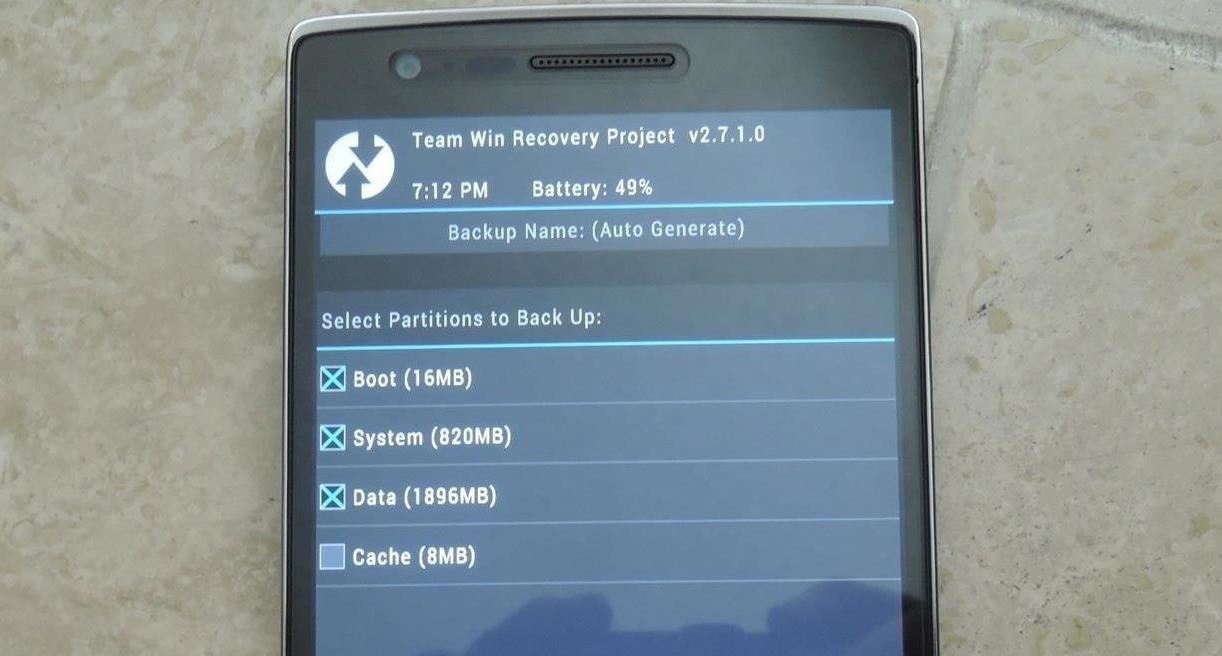
Step 1: Getting Your Phone ReadyBefore we flash the new camera, make a backup. When you install this hack, it will add a few files to your system, so if anything goes wrong, you will need to reinstall the backup—this can easily be done from TWRP -> Backup.
Step 2: Downloading the ZipDownload the linked .zip file below, and once it has finished, reboot into recovery.Xperia Z2 Camera
Step 3: Wiping Your Cache PartitionsOnce you boot into TWRP, tap Wipe, then select Cache and Dalvik Cache. Now that your device is clean, you are ready to install.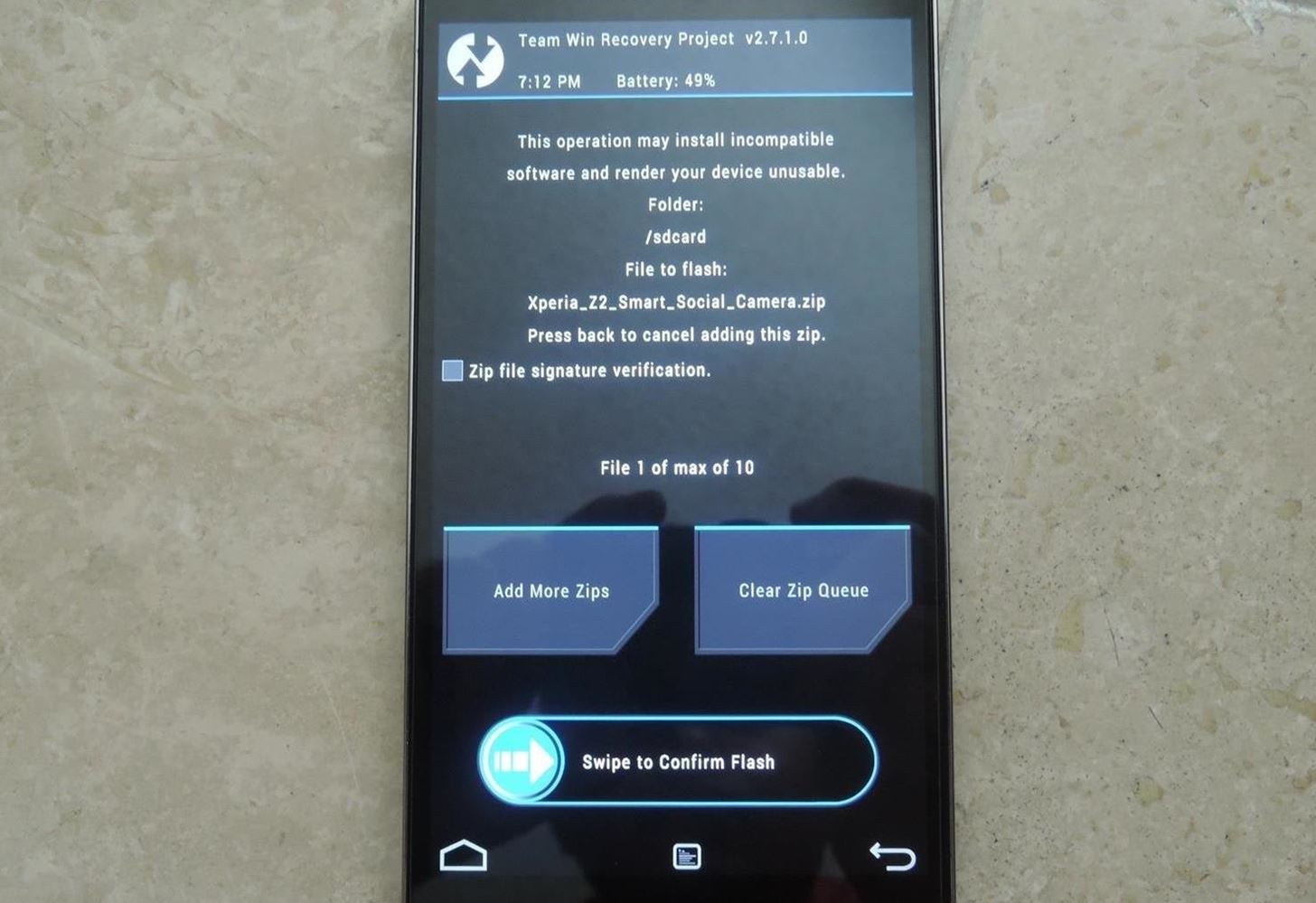
Step 4: Flashing the CameraTap Install, select the .zip file you downloaded, and Swipe to Confirm Flash. Tap the option to Wipe Dalvik/Cache after the flash is complete, then hit Reboot.
Step 5: Using the Xperia Z2 Smart Social Camera FeaturesThere will not be a unified icon for all of the different camera modes, but you can open each of them individually from your app drawer. You can also put the Xperia Camera Widget on any home screen for quicker access to four of the different camera modes.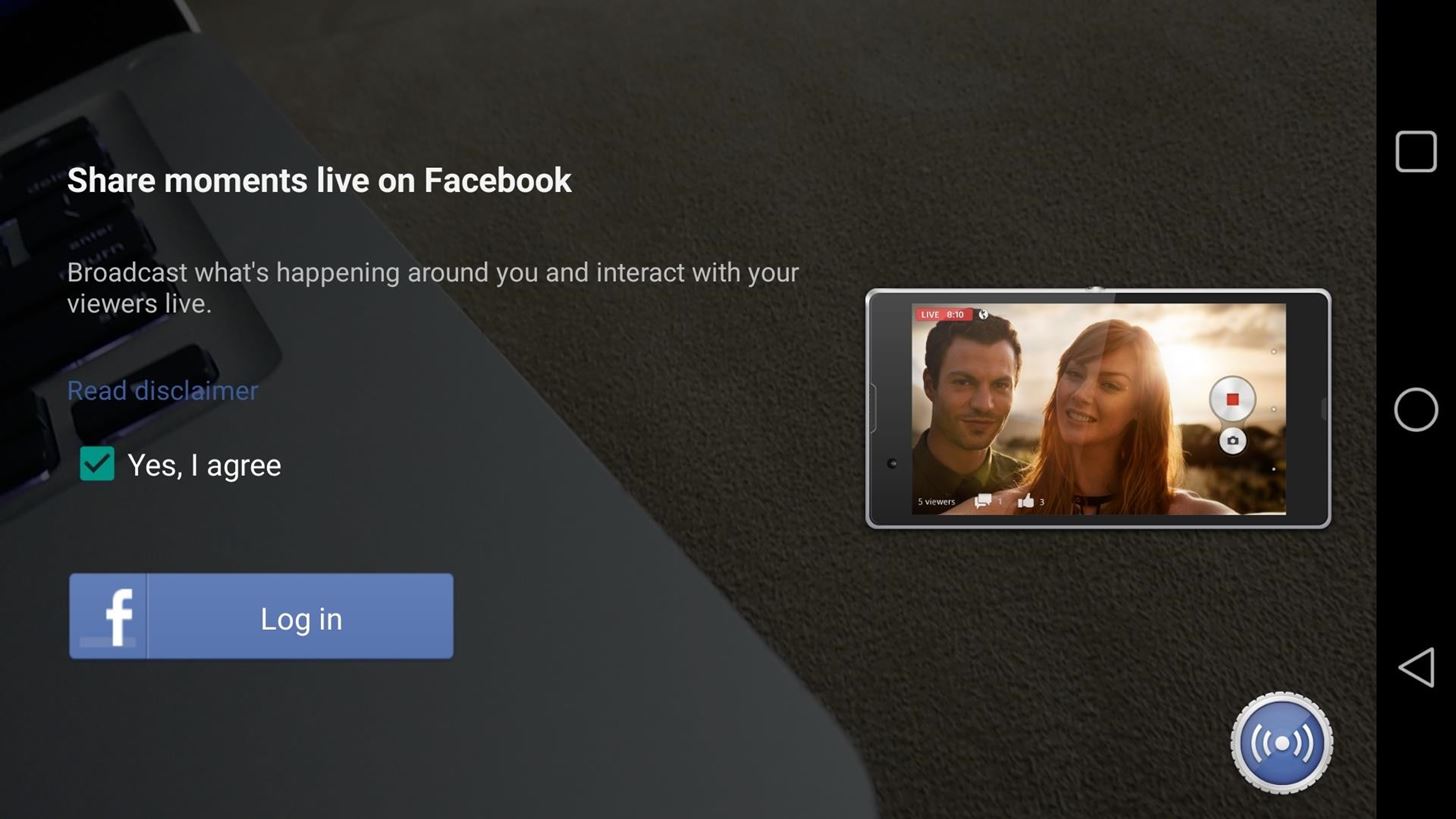
Social LiveSocial Live is an easy way to broadcast your life to your Facebook friends. It links to your Facebook profile and can post a live-stream video directly to your wall. You can also select which friends can watch your stream—all you have to do is tap the gear icon by your profile picture and select who you want to give access to. Because of the "broadcasting" aspect, this feature will eat away at your data, so be sure to only use it while on Wi-Fi if you have a limited data plan.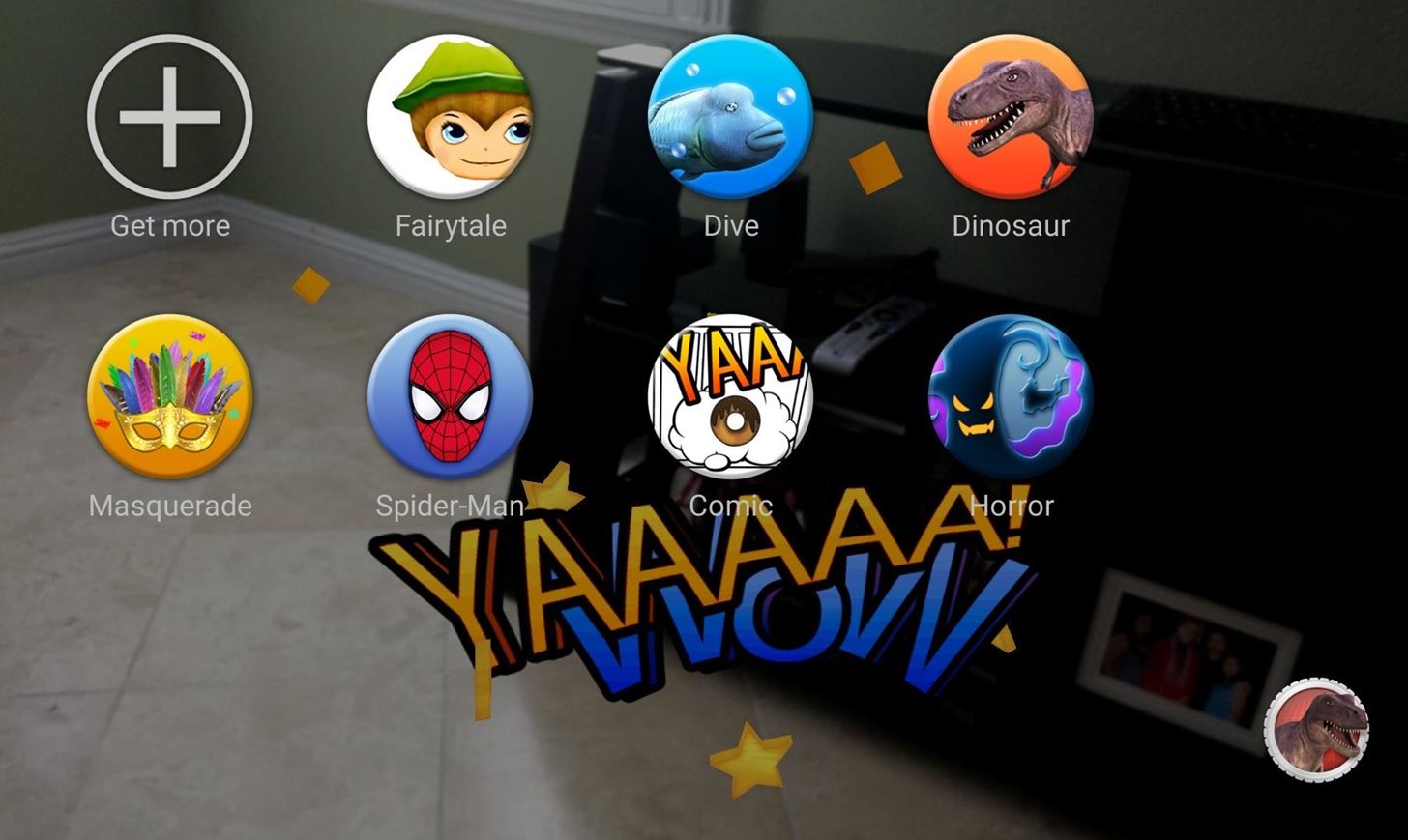
AR Effect & AR Effect for LineThis is by far my favorite camera mode. AR Effects adds augmented reality capabilities to your camera. There a few different overlays you can add to your shots, but the great thing about them is that they move and interact with the environment. AR Effect for Line only works with the rear-facing camera, but AR Effect works for both. Line is specifically for the Kawaii characters, but AR Effects supports everything from dinosaurs to butterflies. For even more themes, update the app through Google Play and tap the Get More option from the scene selection section.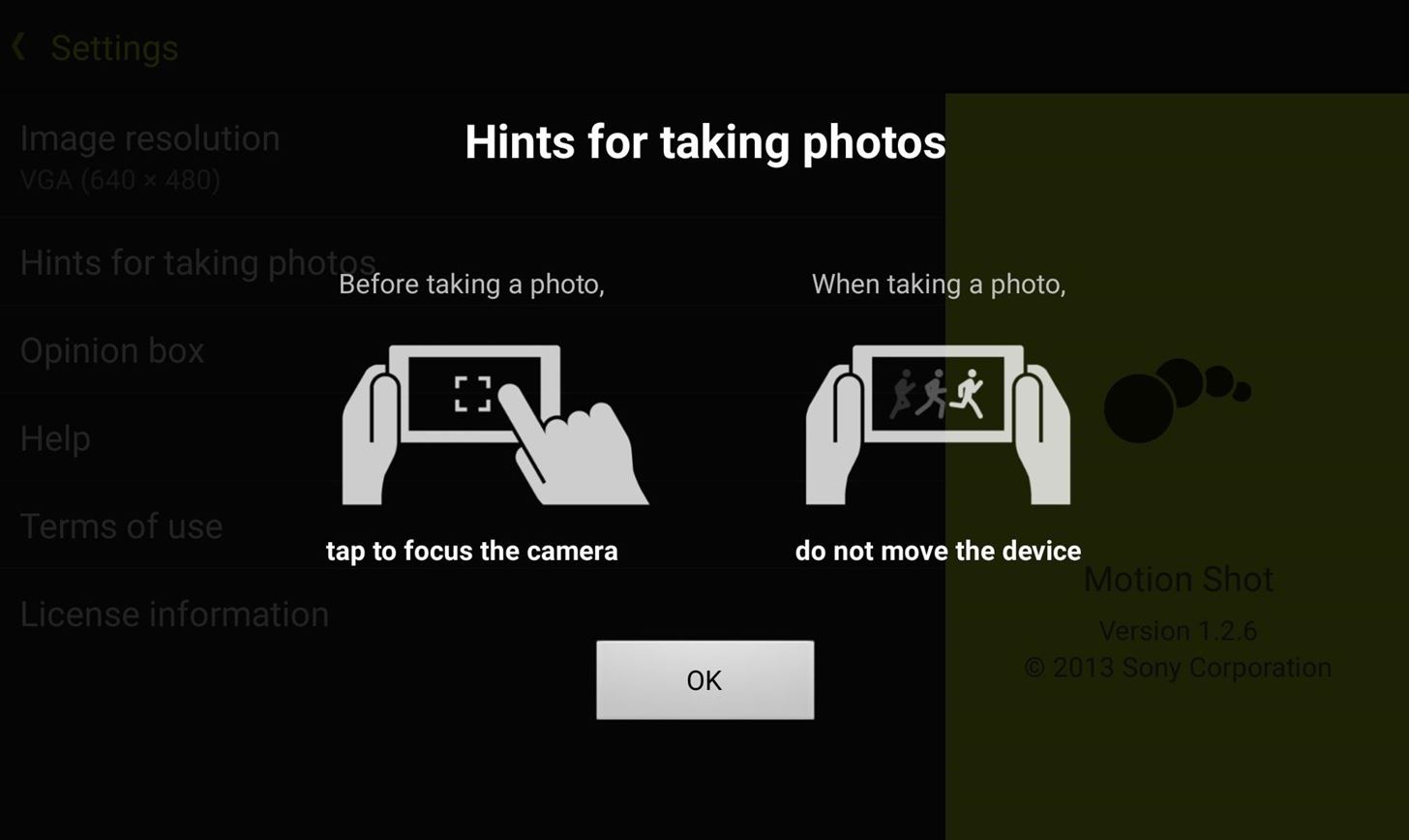
Motionshot & MotiongraphMotionshot and Motiongraph are already standalone apps, but why pay for something that you can get for free, right? Motionshot records a short video, then stitches the different frames together to make a photo showing the progression of the figure moving in the photo. Motiongraph, on the other hand, records a video and allows you to select a few sections of it that will continue moving, leaving the rest completely still. For a better understanding of what that means, check out the video breakdown above.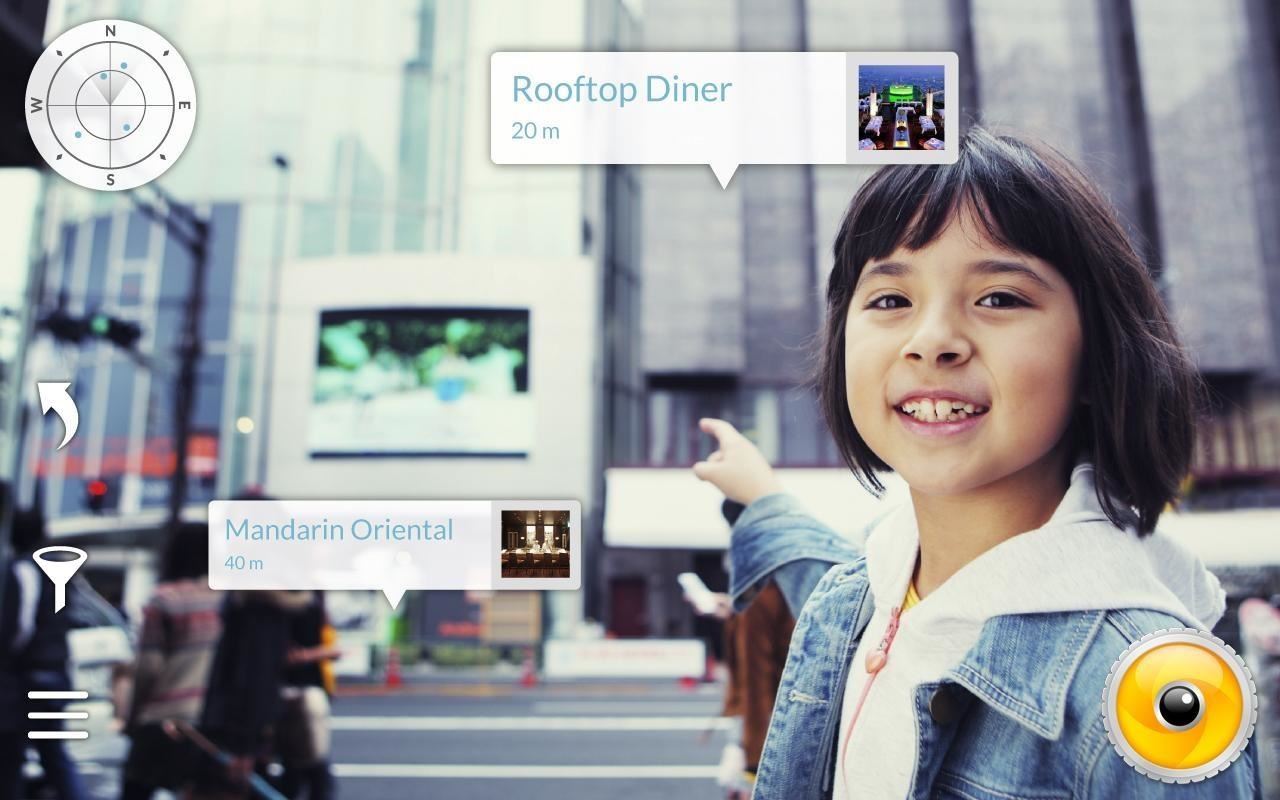
Wikitude PlacesWikitude Places is sort of like Yelp Monocle, but instead of showing you only restaurants, this app also includes sights, hotels, events, and more. You will need to grant the app access to your location data to get accurate results, so be sure that location services enabled. Image via Wikitude Places Google Play Page Background Defocus is also included, but is broken on many devices (including my OnePlus One), so I would stick with Google Camera for that feature. The dev has stated that he does plan on porting more features over, so keep checking back to stay up to date!
Since Facebook provides a virtual list named "Other Friends", you can even hide your status from friends that didn't make it on any of your lists. Done! Now, you seem to be offline for all of your friends, even after you log out and in again, even though your status is displayed as "online" (green circle in the chat window).
Hide or Deactivate Online Status for Facebook Messenger on
How to stop that boarding pass from hogging your lock screen. it's easy to get rid of — if you know where to look. but it will no longer show up as a persistent annoyance on throughout
How to Get Rid of Microsoft's Annoying Ads on the Windows 10
To add the branding watermark to your YouTube videos, navigate to "My Channel" and then click on the gear icon next to the subscribe button. Click on the blue "Advanced Settings" link. On the left hand side of the screen, click on "Branding" under the "Channel" header and then click the blue "Add a watermark" button.
How to Add Logo/Watermark to YouTube Video - Wondershare
Sometimes your cellular data will stop working on your iPhone or iPad. Assuming you are not just in a poor coverage area, there are a few generalized steps you can take that will fix a lot of cellular data not working bugs. If you contact the Genius Bar or your cell carrier regarding your troubles
Because Facebook makes it appear as if the user no longer has an account on the site, it can be difficult to figure out whether a person has blocked you or deleted his account.
Unblock a Blocked Website: Ten Different Ways - Lifewire
Download Samsung Galaxy S10's New One UI Wallpapers Right Here. Today was a busy day for us. After Vivo and Xiaomi announced the V15Pro and Mi 9, Samsung kicked off Unpacked with the
how to move pictures into the wallpaper gallery - samsung
1. Yes, you can leave your phone plugged in overnight. It is not the end of the world if you don't unplug your phone the second that it is charged. That charger is smarter than you give it credit for.
Your iPhone 8 or iPhone X battery could wear out in 18 months
How to Fix Lag on all Android Phones! HowToMen. Loading Unsubscribe from HowToMen? Samsung Galaxy S9 Plus vs iPhone X - Sparkling Water FREEZE Test! What's Gonna Happen?!
Moto X, Google Now (Software), Moto G, Active display feature on Moto G, Okay Google now feature on Moto G, Open Mic+ review, How to get Moto x features on Moto G, How to make Moto G moto x for
How to Save Battery Power on a Samsung Galaxy S4 with Moto X
How To: This All-in-One Mods Catalog Makes Customizing the OnePlus One Extremely Convenient News: Don't Even Think About Buying a OnePlus 6 Next Year News: OnePlus 3T Isn't Much of an Upgrade, but It's Still a Solid Phone
Šis All-in-One moduļu katalogs padara OnePlus vienu ļoti ērtu
Some Bluetooth headsets include an app that will read incoming messages aloud, but you still have to tap the headset to respond. Text by Voice is a solid addition to Google's own Voice Actions
Top 5 Apps to Help You Read Text Message Hands-Free


0 comments:
Post a Comment