How To: Get the Pixel's Navigation Buttons & Google Assistant Animation on Your Nexus
The Google Pixel and Pixel XL have an exclusive set of navigation buttons that you can't get on any other device without some tinkering. But aside from just being solid, filled-in shapes, the real treat in the Pixel's nav bar is the Google Assistant animation that gets activated by long-pressing the home button. The four colored dots that animate outward give you some visual feedback for triggering the Assistant, but really, it's just a nice little touch.Thanks to Charles Chow over at Chromloop, the Pixel's navigation buttons and their special animation are no longer an exclusive feature. By flashing one simple ZIP, you can now get the Pixel's navigation bar in all its glory on your Nexus 5X or Nexus 6P.Don't Miss: How to Get the Pixel's 'Zero Shutter Lag' Camera with HDR+ Features on Your Nexus
Requirementsrooted Nexus 5X or Nexus 6P beta version of Android 7.1.1 installed Android build number NPF10c custom recovery installed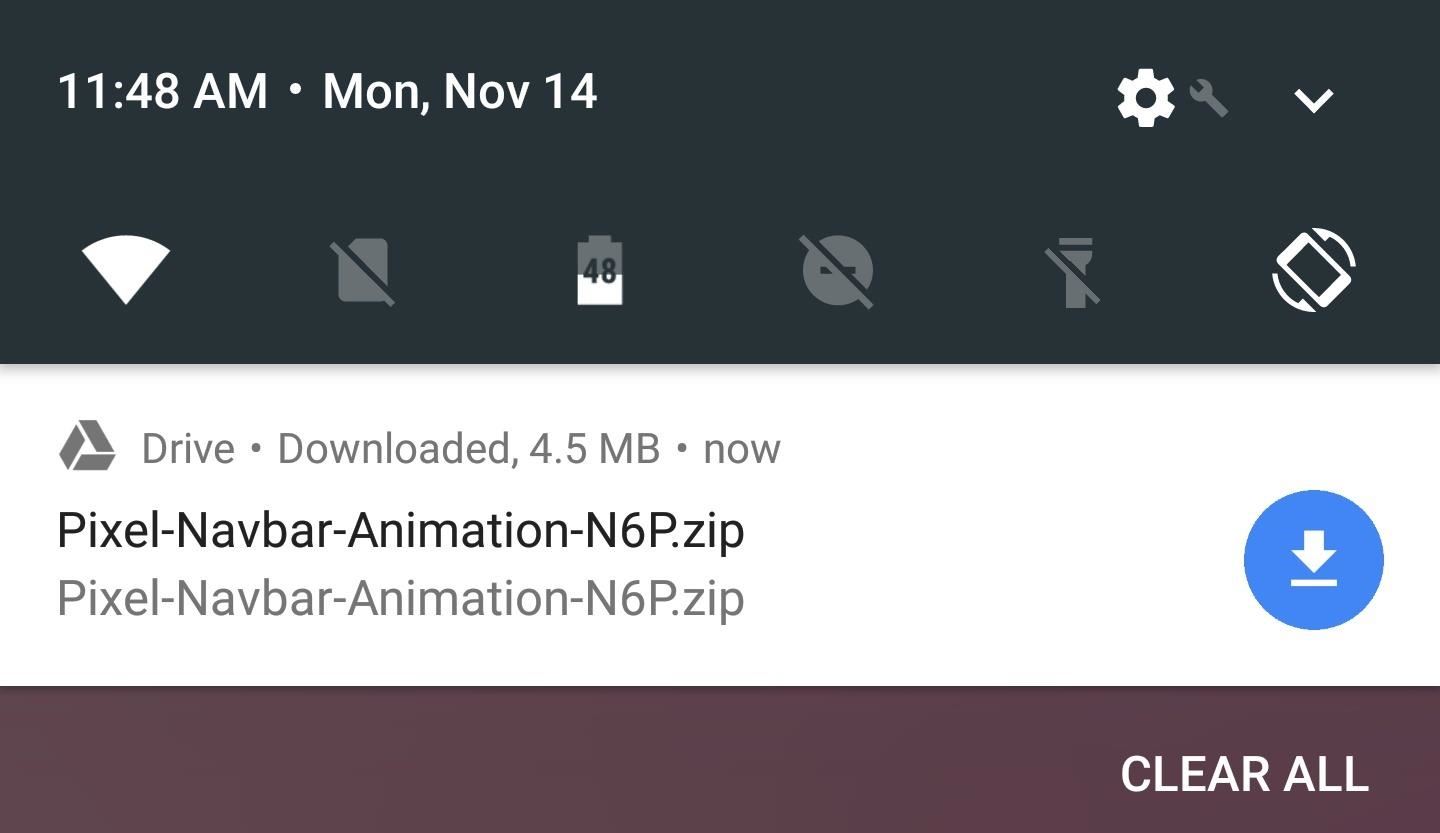
Step 1: Download the ZIPIf you meet all of the above requirements, the first thing you'll need to do is download the flashable ZIP that gives you the Pixel's new navigation buttons and Google Assistant animation. There are two distinct files here, so make sure to grab the right one for your particular device:Download the Pixel Nav Bar Animation ZIP for Nexus 5X Download the Pixel Nav Bar Animation ZIP for Nexus 6P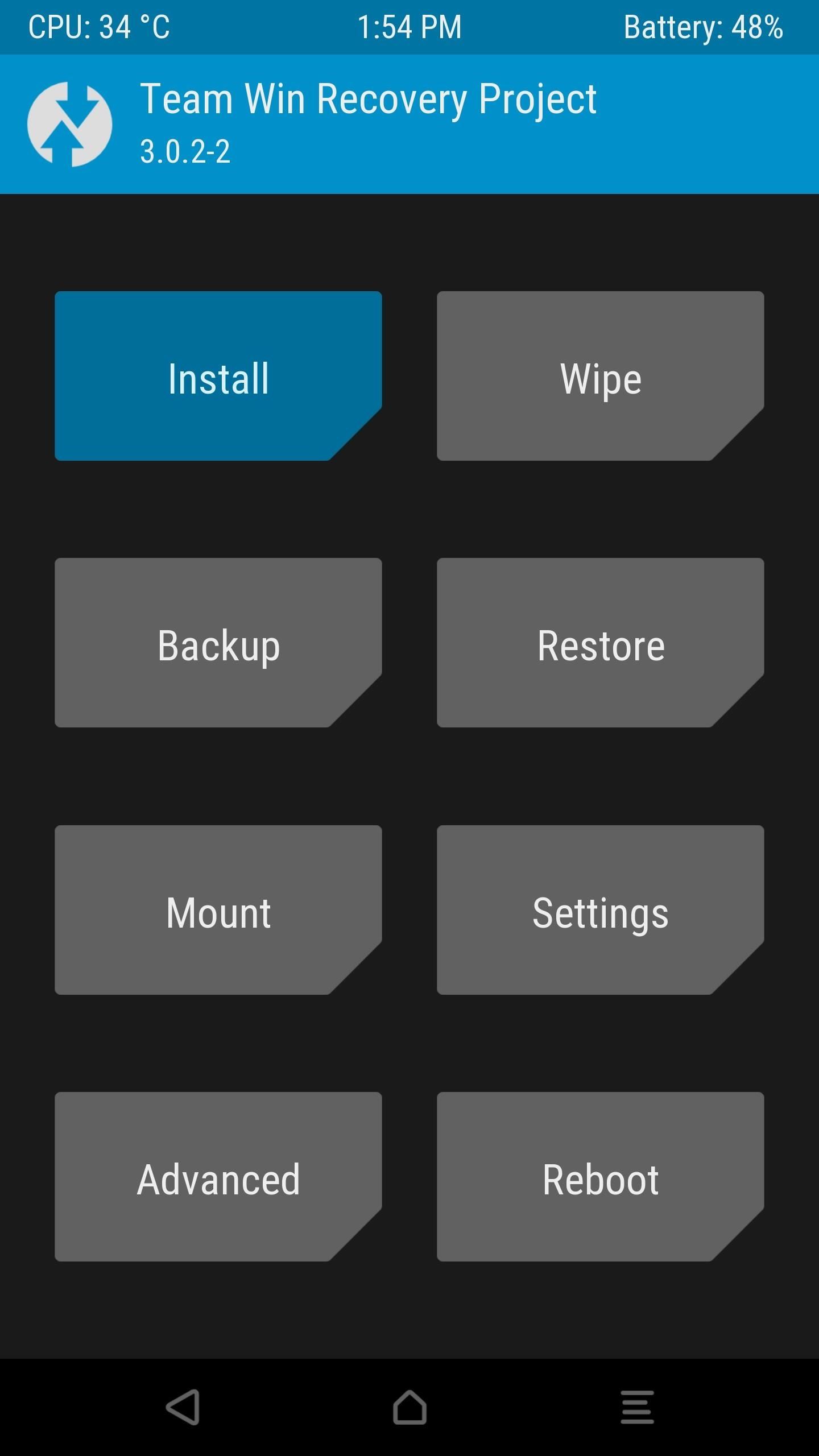
Step 2: Flash the ZIP in Custom RecoveryNext up, boot your phone into custom recovery mode. From here, be sure to make a full NANDroid backup if you haven't done so recently.With that taken care of, tap the "Install" button from TWRP's main menu, then navigate to your device's Download folder. From there, select the Pixel-Navbar-Animation.zip file and swipe the slider at the bottom of the screen to install the mod, then tap "Reboot system" when that's done.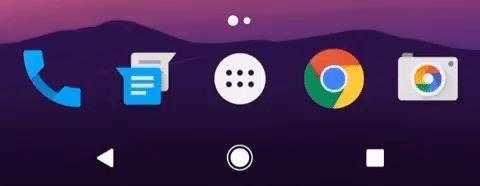
Step 3: Enjoy the Pixel's Navigation ButtonsWhen you get back up, you should see the Pixel's solid navigation bar buttons at the bottom of your screen. Then, when you long-press your home button to trigger the Google app or Google Assistant, you'll see four colored dots animating outward behind your thumb. It's a subtle effect, but it's one of those small touches that has made the Pixel one of this year's best phones.
TroubleshootingIf you have any issues with this mod not working, there are a couple of troubleshooting tips you can try. First, if you see a "System UI has stopped" message immediately after rebooting, try restarting your device again. If you're having trouble restarting, hold down your power button for 10 seconds to perform a hard reboot.If that still doesn't fix your issues, reset any System UI Tuner mods by heading to Settings -> System UI Tuner, then tapping the three-dot menu button and choosing "Remove this menu." Once you've done that, reboot your phone and see if the buttons show up. If they do, you can re-add your System UI Tuner tweaks.Follow Gadget Hacks on Facebook, Twitter, Google+, and YouTube Follow Android Hacks on Facebook, Twitter, and Pinterest Follow WonderHowTo on Facebook, Twitter, Pinterest, and Google+
Cover photo and screenshots by Dallas Thomas/Gadget Hacks
***** in new version they patch this now.. so i think it stop working. new video will be soon .. stay tune..***** Remove Xcon from cydia Like me O
How to Use Snapchat on Your iPhone: The Ultimate Guide
Email was not designed for sending large files, and almost all mail servers will only allow attachments of 10 MB. Yahoo and Gmail will allow up to 20 MB, but if you have a large email to send, such as a group of photos, video files or other large attachments, the email will not go through.
7 zip - How to split large file on Windows? - Super User
The latest jailbreaking tool for iPod touch, iPhone and iPad, Spirit, is now available for free download. The Spirit jailbreak is untethered, which means that once the iPad, iPhone or iPod touch is hacked and jailbroken using the one-click software, the device can be restart or reboot anytime, anywhere at will, just like a normal unhacked device.
How To Jailbreak iPhone, iPod Touch Using Spirit For iPhone
How to Search for and install apps on the HP TouchPad using
Learn how to hack Google with this amazing video. This video will teach you how to hack Google by using advanced search operators and esoteric search terms to find "hidden" files and mp3s quickly and easily; you'll also learn how to use Google to hack unprotected Internet-controlled devices like webcams and security cameras.
What is the interview process like at Google? What are the
Most of you know that there are plenty of ARM powered development boards out there, so you may not be really sure what a new one can still bring to the table. With a $5 price tag, the open
Teensy USB Development Board - PJRC
We've all been there - that moment of slow motion horror you experience as your beloved iPhone tumbles into the toilet. Both AT&T and AppleCare won't cover water damage to your iPhone, so you may think you are out of luck, but.. This tutorial will show you how to fool the Apple store's Genius Bar into replacing your phone.
How to Trick Apple Into Replacing Your Water Damaged Iphone
How To: Play & Control Music from Anywhere Using This Floating Widget on Your Samsung Galaxy Note 2 How To: Get Chat Head Bubbles for Text Messages on Your Nexus 5 How To: Be a Multitasking Ninja with Floating Apps & Notifications on Your Samsung Galaxy S3
How to Get Floating Notifications & App Windows on Your
Toast beskeder på din Samsung Galaxy S4 løbende lager TouchWiz har en mørk blå, rektangulær baggrund med hvid tekst. Med Android 4.4 KitKat implementerede Google et mere neutralt farveskema med masser af grå og hvide nuancer. Skålene i 4.4 KitKat har en afrundet grå baggrund med en mere kondenseret skrifttype.
How to Install the Android 4.4 KitKat - Samsung Galaxy S3
Set the volume on your iPhone. If your alarm volume is too low or too loud, press the volume button up or down to adjust it. You can also go to Settings > Sounds & Haptics and drag the slider under Ringers And Alerts. If your alarm only vibrates, make sure that your alarm sound isn't set to None. Open the Clock app, tap the Alarm tab, then tap
How to Make Music with Floppy Drives & LabVIEW - WonderHowTo
If the microphone on your computer is not working properly, you do not need to panic as long as you have an Android device. By using a free app available on the Internet, you can make your Android device act as a microphone for your computer. That way you should be able to use voice recording and
How To Use Android Phone As PC Mic - I Love Free Software
My Next Car how to video series - how to restore factory settings in Peugeot 308 iCockpit (2015, 2016 and 2017 Europe model). You use this if you want to return to the default values present when the vehicle was new.
Music, movies, TV shows, and books can be downloaded on up to 10 devices per account, five of which can be computers. Apps can be downloaded to any devices the family member owns or controls. Information about products not manufactured by Apple, or independent websites not controlled or tested by Apple, is provided without recommendation or
Best Free Apps for iPhone in 2019 - Tom's Guide
How to Disable Heads-Up (Pop-Up) Notifications in Android


0 comments:
Post a Comment