How To: Reply to Texts with a Selfie GIF on Your iPhone
Most of us have probably used a GIF at least once or twice to respond to a message, and that's why a lot of messaging services and keyboards have GIF search tools readily available to use. Now, Google wants to take GIF responses to a more personal level, by allowing you to create your own selfies GIFs to instantly sent to family and friends.While there are plenty of GIF-making apps out there, selfie GIF tools are relatively unheard of in keyboards, but Google has just changed that in their new Gboard update for iPhone. This selfie GIF-making tool, based on Google's Motion Stills app, has not made it to Android yet, so it seems to be an iOS exclusive at the moment.Don't Miss: 12 Tips to Help You Master Gboard for Android
Setting Up GboardIf you've never used Gboard before, you'll need to set it up before you can jump right in. Chances are, after you've tried Gboard, you'll never go back to Apple's stock keyboard, as it has a lot of nice features that Apple hasn't given us yet, such as swipe typing and Google search built right in.Download Gboard for free from the iOS App Store Go to Settings -> General -> Keyboard -> Keyboards -> Add New Keyboards -> Gboard. Tap "Gboard" on Keyboards, then enable "Allow Full Access." To make Gboard your default keyboard, tap "Edit" in the top-right corner of the display, then drag "Gboard" to the top of the list of keyboards.
Using the GIF-MakerThis feature is currently iOS only, and we're not sure if and/or when this selfie GIF tool will appear on Android. If they do bring it to Android, it will likely function similarly.To open the selfie GIF-maker, simply open a messaging app of your choosing. When the keyboard pops up, make sure you're using Gboard. If not, tap and hold on the globe symbol, then select "Gboard."Don't Miss: How to Add, Reorder & Switch Keyboards on Your iPhone From here, accessing the GIF-maker is easy. Tap the camera loop icon on the far-right side of the word suggestion bar. If you don't see that icon, tap the emoji icon by the spacebar instead, then select "GIF," and hit "Make a GIF."Gboard will then launch you into the GIF-maker. The rear camera may be enabled by default, but you can easily switch cameras by tapping the camera icon in the top-right corner of the display. You have two opens when it comes to making GIFs: "Loop" or "Fast-Forward." With the "Loop" option selected, you simply tap and hold the white record button at the bottom of the display. You have up to three seconds to film whatever you want. That recording is then looped, just like a traditional GIF would be."Fast Forward," on the other hand, gives you up to thirty seconds to record. Gboard then manipulates your footage to almost eliminate quick movements while emphasizing slow ones. It produces an otherworldly effect, but will also loop as any GIF should. Loop (left) vs. Fast-Forward (right).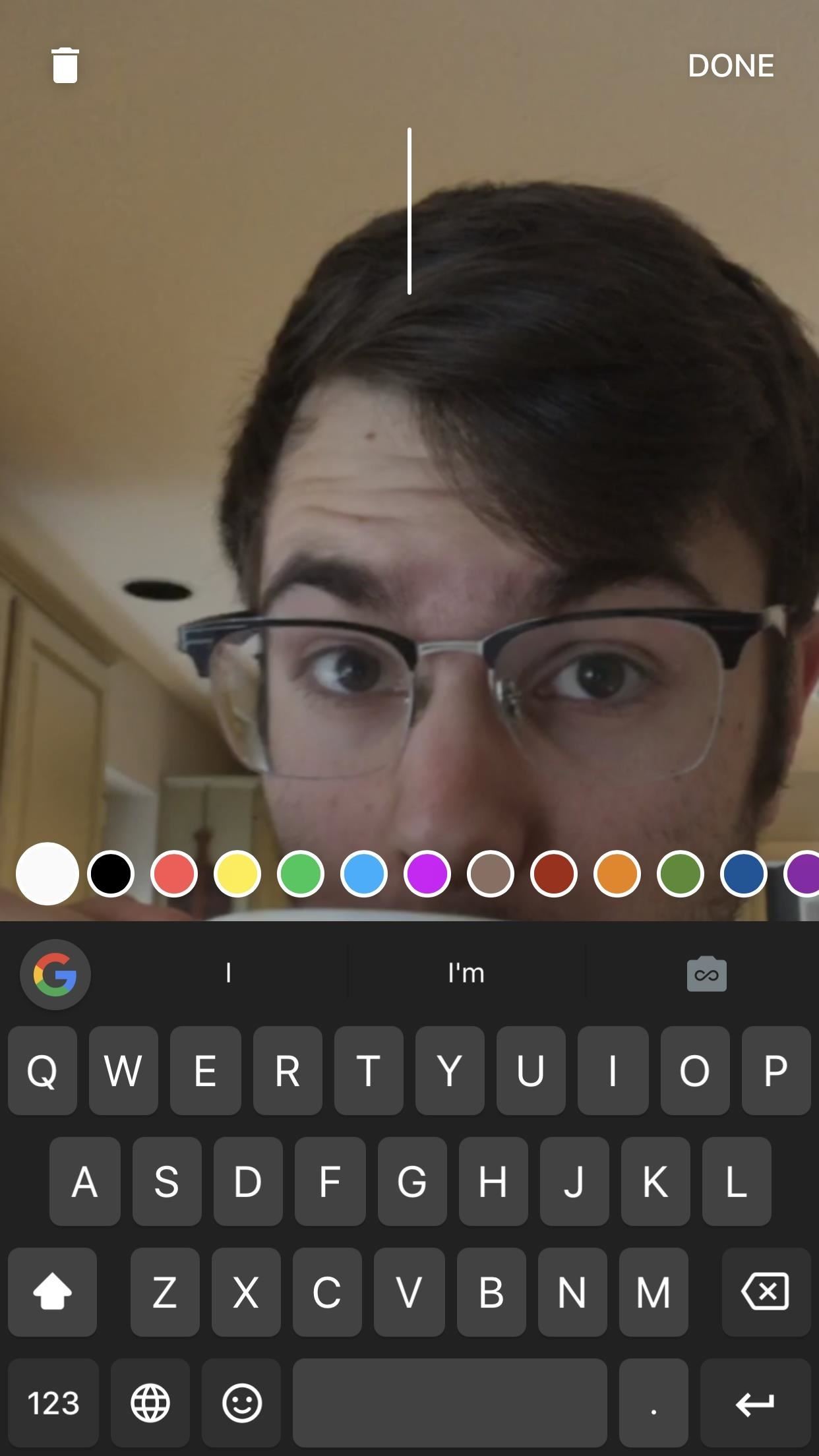
Dressing Up Your GIFsThe best GIFs have the best captions. Gboard lets you write and draw on your GIFs with tools similar to what you'd find on Instagram or Snapchat. And, just like in those apps, getting started is quick and easy.To type on your GIF, tap the "T" at the top of the display (on an iPhone X, it may be slightly obscured by the the notch). Choose a color from the bottom of the display by swiping through the options, then by tapping the one you want. Next, start typing away. When you're satisfied with your message, you can drag it to a desired location on-screen, and change its size by pinching it. When finished, tap "DONE."To draw, tap the pencil icon to the right of the "T" icon. Like typing, swipe through the colors and tap one to choose it. However, you can also tap on the writing tool in the bottom-left corner to choose between the pencil, pen, or marker, as well as use the slider above the color selector to choose the size of your brush. Finally, write or draw something on the display. If unhappy with any stroke you make, tap the undo arrow in the top-left corner. When finished, tap "DONE."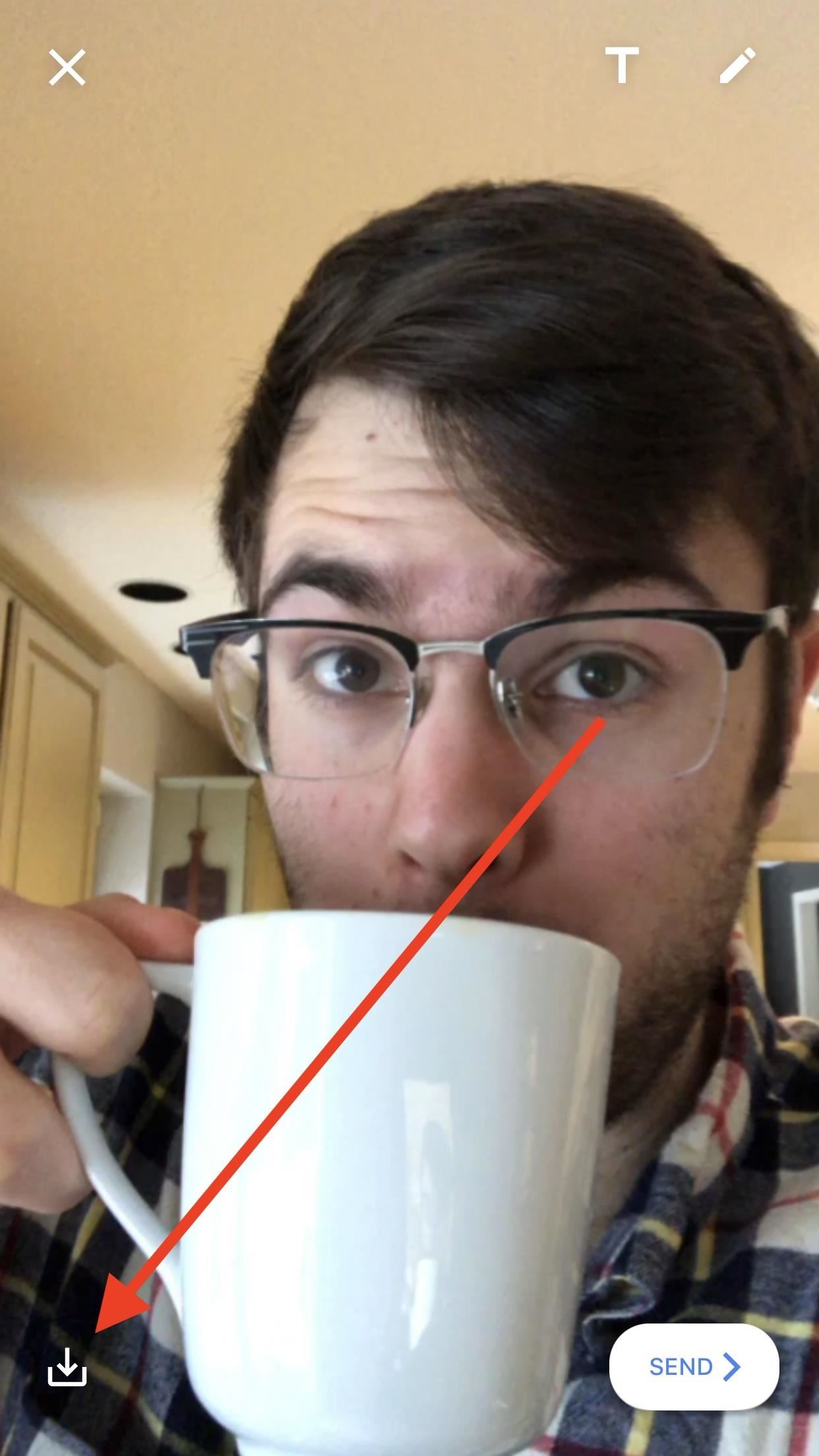
Saving & Sharing Your GIFsWhat's the point of a GIF if no one else is able to see it? Luckily, Google makes it easy to both save and share you GIFs, which, as a messaging feature of a keyboard, is to be expected.To save your GIFs to your iPhone for later use, tap the save button in the bottom-left corner of the display. When prompted, allow Gboard access to your Photos, then choose to save your creation as a GIF or as a video. Keep in mind that if you save as a video, it will no longer loop. To share your GIF with the world, tap the "SEND" button in the bottom-right corner of the display. Gboard will then copy your GIF to your iPhone's clipboard, but just in case you didn't know that, the app will cover your keyboard with a reminder. Simply paste your GIF into a message, and you'll be all set. When you choose to send a GIF, Gboard will save it in-app (or in-keyboard). To access your GIF history, tap the smiley face in Gboard, then tap "GIF." Your GIFs will appear under the aptly-named "MY GIFS." Just tap one to copy it again or press-and-hold to present the option to delete. Don't Miss: The Best Way to Make GIFs Out of Anything on Your iPhone Follow Gadget Hacks on Facebook, Twitter, YouTube, and Flipboard Follow WonderHowTo on Facebook, Twitter, Pinterest, and Flipboard
Cover image, screenshots, and GIFs by Jake Peterson/Gadget Hacks
Camcorder XLR Adapters enable you to use mics with XLR connectors with a camera that only has a mini-plug input. Camcorder XLR Adapters are compatible with any kind of camera that features a mini-plug (1/8" or 3.5mm) stereo microphone input. Camcorder XLR Adapters feature a tripod thread at their base to mount onto a tripod.
How do I connect a professional microphone to a camcorder?
This guide will show you how to perform a simple ftp or any other service that supports Medusa to check the weakness of the login data. I will be using genlist to compile a list of the live hosts that are running on the network and have result in a txt file that Medusa can use to perform a brute force attack on all hosts live
How to Delete All Your Personal Settings in I-Cockpit « Car
How To: Android's Built-In Scanner Only Catches 15% of Malicious Apps—Protect Yourself with One of These Better Alternatives How To: 3 Great Apps for Reverse Phone Number Lookup on Android News: The 4 Best Apps for Private, Encrypted Messaging on Android & iPhone
The Definitive Guide to Android Malware « Nexus 7 :: Gadget Hacks
Only HTTPS will work for webmin. Then, Enter your username as admin and password as instance-id. Next, click on Dashboard and then Others and then Upload and Download. Now select Upload to server. Select the files you want to upload (it is better to use zip).
Moodle in English: From Windows Server to Linux
To really personalize your HTC 10, you'll need to be rooted — but that can't happen unless you unlock your bootloader. Thankfully, HTC has made it relatively easy to unlock the bootloader on their 2016 flagship. Unlocking your bootloader will make it a breeze to install TWRP, which can then be
How to Unlock HTC One M9 Bootloader - android.gs
How To: Automatically Save Snapchats onto Your Samsung Galaxy Note 2 Editor's Choice: 11 Camera Apps to Put Your Samsung Galaxy Note 2 on Steroids How To: Trick Apps That Won't Run if Your Phone Is Rooted into Thinking Its Not on the Galaxy Note 3
How to Save Any Photo or Video from Instagram on Your Galaxy
A better Android app for hands-free text messaging. With it you can send and listen to messages without so much as touching your phone. It's entirely voice-powered. A better Android app
Mobile Leer en español Smart credit cards are coming. Here's what you need to know. Smart cards want to replace your wallet full of debit and credit cards with one dynamic smart card.
How To: Program the ESC for your RC vehicle How To: Repair the remote start system in the ACME RC car How To: Pimp your toy helicopter with a spy camera How To: Clean an RC vehicle kit, engine and air filter How To: Perform high voltage wiring on your RC kit
Japanese Gangsters Pimp Out Minivans - Car Mods
Whether you're a news junkie or just interested in staying informed about current events, there are tons of great iPhone news app to help you. Choose from apps from established newspapers, TV stations, and radio networks, or experiment with new companies that digest news for you, create customized audio broadcasts, and more.
iPhones and iPads need multi-user support now - cnet.com
If your goal is to represent your business, brand or product on Facebook, create a Page. A Page lets you engage with people on Facebook and offers tools to help you manage and track engagement
How do i search for public posts? | Facebook Help Community
I'm using the latest version of Firefox 3.6.8 with AdBlock Plus. I found that Disabling AdBlock Plus OR DISABLE AdBlock Plus on YouTube will let videos play in Firefox. Videos are playing fine for me again now in Firefox. Firefox says Youtube is using HTML5 and it doesn't support Firefox.
How to Watch Youtube Videos in Firefox Installed on Windows 10 N


0 comments:
Post a Comment